
Invoice Fields Reference
2026-05-23Every invoice in Haikult is built from a small set of fields. Beyond the series name, number, and date, three sections drive the document itself: the seller, the buyer, and the line items. This article walks through each one and explains what to put there.
Seller
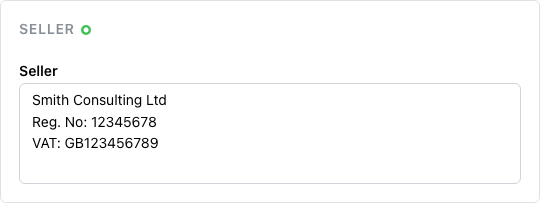
The seller section is where you describe your own business. It usually includes the company or individual name, a tax identification or business registration number, an address, contact details such as email and phone, and a bank account number for payments. Haikult saves whatever you enter here to your account and pre-fills it on every future invoice, so you only have to type it once.
Buyer
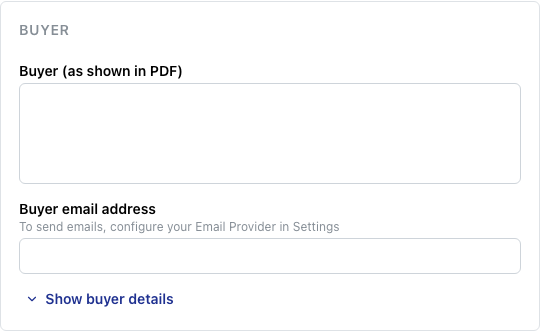
The buyer section identifies who the invoice is for. For private customers who don’t need the document for business purposes, a name and email address are often enough. For business customers, include full company details so the invoice is valid for their bookkeeping. Even when the buyer doesn’t strictly require it, entering at least a name and email helps Haikult recognise repeat customers and pre-fill their details next time.
Line items
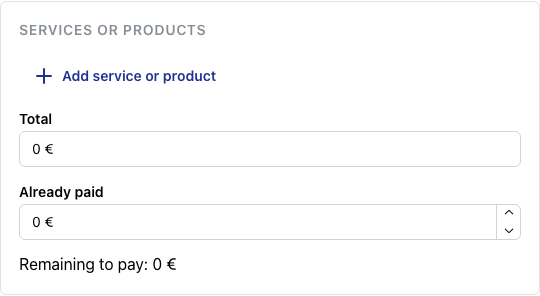
The line items section lists what you’re charging for. Each row has a description, a quantity, and a unit price; the line total is calculated for you. Add as many rows as you need — services and products can be mixed freely in the same invoice.
Other fields
A few smaller fields round out the form. The language setting controls the language of the generated PDF, independent of the language you use the app in. The issuer field records who created the invoice, which is useful when several people share the same Haikult account. The notes field is for your internal use — search hints, references, or reminders — and is never included in the PDF sent to the buyer.