
Editing and Locking Invoices
2026-05-23Once an invoice exists, you can manage it from the invoice list. Each invoice card offers a set of actions for tracking payment, protecting the record, and removing mistakes. This article walks through what each action does and when to use it.
Actions on an Invoice
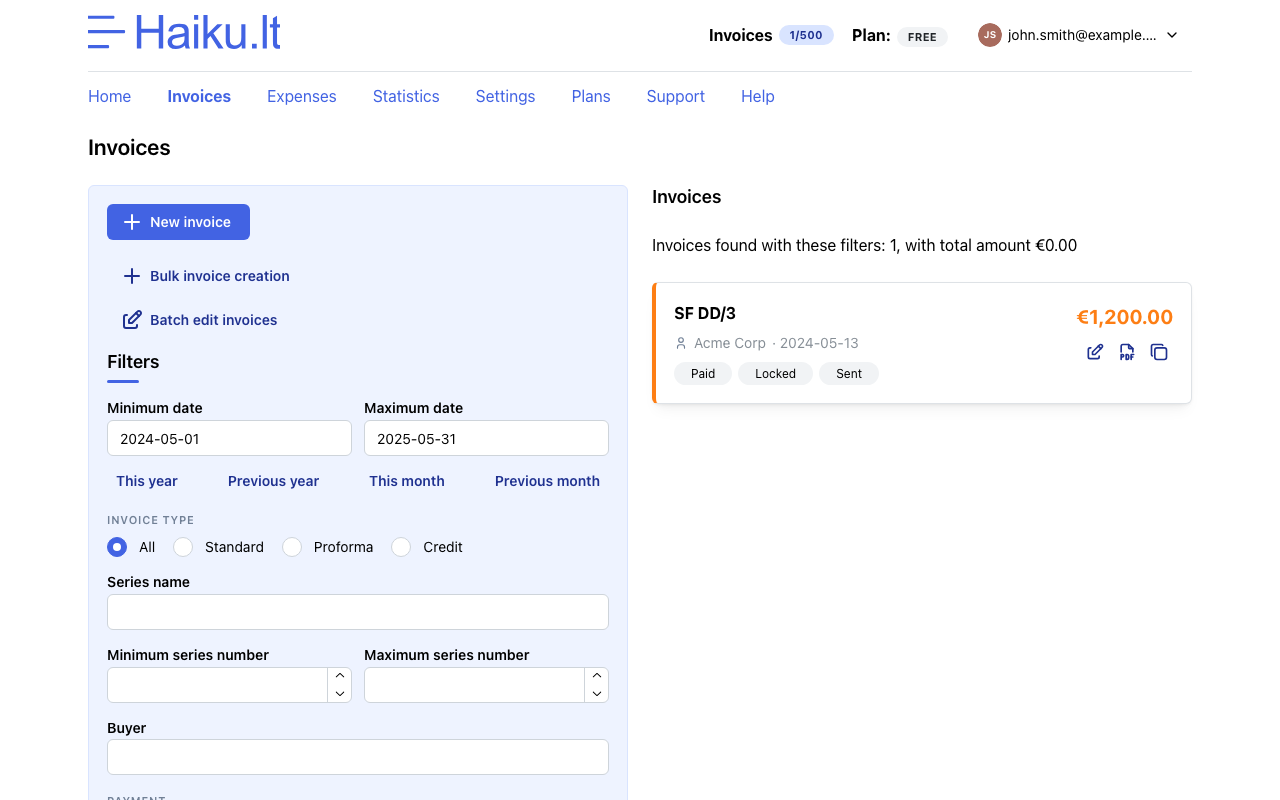
Open the invoices list to see every invoice you’ve issued. Each card shows the basic details and exposes the actions described below.
-
Edit and save changes. Open the invoice to update any field — buyer details, line items, dates, or notes. Editing is useful for fixing typos before you send the invoice. Once an invoice has been delivered to the buyer it’s better not to modify it, since the buyer already has a copy of the original.
-
Mark as paid. Use this to record that the buyer has settled the invoice. It’s primarily for your own convenience: at a glance you can tell which invoices are still outstanding, and Haikult uses the flag to count how many of your issued invoices are paid.
-
Lock the invoice. Once you’ve sent the invoice to the buyer, lock it to prevent any further edits or deletion. A locked invoice can still be downloaded and marked as paid, but its content is frozen. This is the safest way to make sure an issued document doesn’t change after the fact.
-
Delete. Removing an invoice should be rare. Series numbers must stay sequential, so if you delete an invoice you’ll need to make sure that series number is reused — otherwise you’ll have a gap in your numbering, which is generally not allowed. Avoid deleting invoices you’ve already sent to a buyer. If you need to undo an issued invoice, a credit invoice is usually the right tool.