
How to Create Your First Invoice
2026-05-22Creating your first invoice in Haikult takes less than a minute. Open the app, click New Invoice, and follow these five steps.
Step 1: Main Information
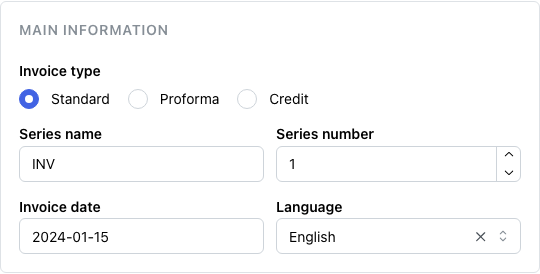
The Series Name groups your invoices under a common prefix (e.g. INV). The series number increments automatically with each new invoice, so you never have to worry about numbering. The date defaults to today — adjust it if the invoice covers a different period. Leave the remaining fields as they are for now.
Step 2: Seller
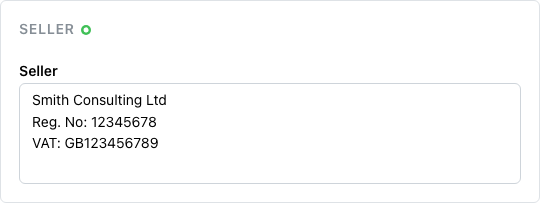
Enter your business or personal details: name, registration number, and VAT number if applicable. This information is saved to your account and pre-filled automatically on every future invoice.
Step 3: Buyer
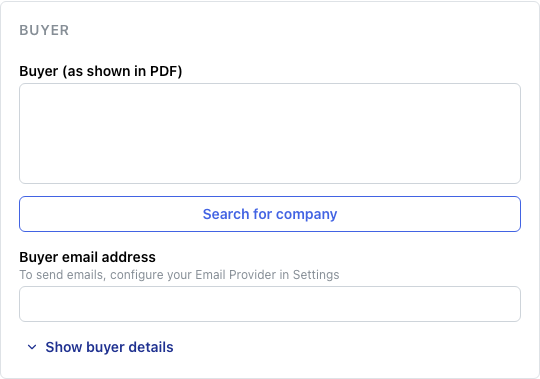
Enter the buyer’s name and email address. The email is used when sending the invoice directly from the app. Previously used buyers appear as suggestions — select one to fill the fields instantly.
Step 4: Services or Products
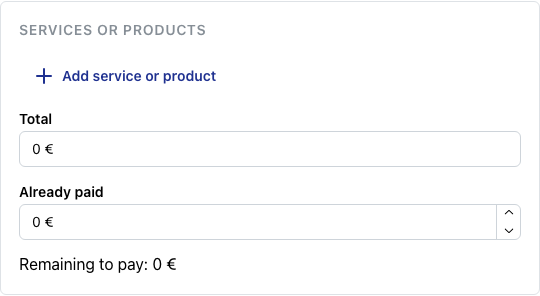
Add at least one line item: enter a description, quantity, and unit price. The row total is calculated automatically. Click the + button to add more rows for additional services or products.
Step 5: Invoice Management

Click the button to create the invoice. It will appear in your invoices list and a PDF will be generated automatically, ready to download or send to the buyer.